
SOP creation
Explain the task once. Get the SOP and the flowchart.
Talk through the task as if you train a new hire. Wavelength builds the flowchart and writes the SOP from the same conversation.
Free plan, no card. Pro is $7 per month.
No blank page
The first draft comes from the walkthrough. You edit a draft, you do not start from zero.
Owners on every step
When the conversation names who does a step, the SOP shows that owner. You can change it on the canvas.
Word or wiki
Export a .doc file for Word and Google Docs, or copy Markdown for Notion, Confluence, or any wiki.
SOPs teams build with Wavelength
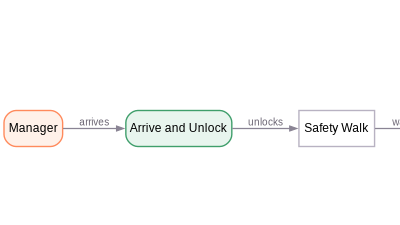
Store opening
A daily checklist with the exceptions written in.
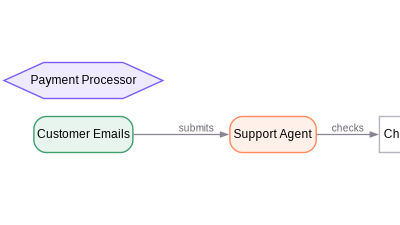
Refund requests
Who approves a refund, and the limit for each role.
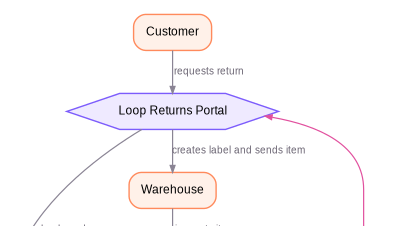
Returns and RMA
From the return request to the restock or the write off.
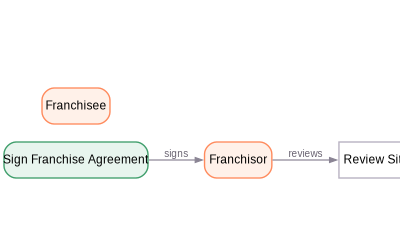
New location opening
The steps to open a new site, in order, with owners.
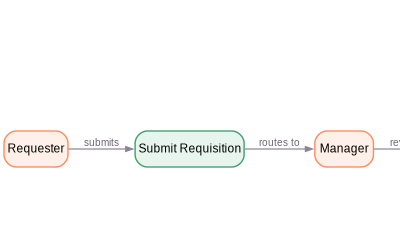
Purchase requests
The approval path for each spend level.
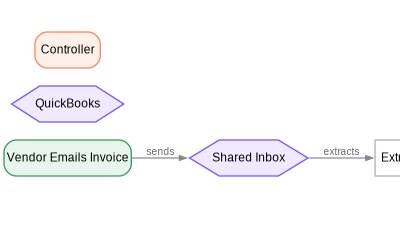
Invoice handling
From the invoice email to the entry in accounting.
From the conversation to the map
An example walkthrough for SOP creation. Wavelength draws each step as the speaker names it.
What someone says"First thing, count the till. If the count matches the sheet, open the doors. If it does not match, do not open. Call the manager and count again together."
- Start: Count Till
- Decision: Count matches sheet? (Yes: Open Doors; No: Call Manager and Count Again)
- Step: Open Doors
- Step: Call Manager and Count Again
- End: Done
- Person or team: Manager
Features for SOP creation
Live diagram building
Hold the mic and talk. Each person, system, and step appears on the flow as you name it. A question like "Matches?" becomes a decision with its branches.
Recording and transcript import
Upload audio or video up to 120 minutes, or a .txt, .md, .vtt, .srt, .json, .pdf, or .docx transcript, and get the flow.
SOP export
Export a .doc SOP with roles, owners, and numbered steps, or copy the SOP as Markdown for a wiki.
Edit by voice or text
Ask for a change, for example "add an approval step after review", and the AI edits the flow.
Open file exports
Export to PNG, PDF, PowerPoint, draw.io, Mermaid, and BPMN 2.0. Your flows go where your team works.
Share links
Send a link to a flow. The person who opens it does not need an account.
Popular integrations for SOP creation
Recordings and transcripts
Upload the call recording or the transcript. The FAQ lists every file type.
 All plans
Chrome side panel
Open Wavelength beside any browser tab and build the diagram while the call runs.
 All plans
Confluence
Save a flow as a Confluence page with the summary, the questions to confirm, and a link to the live flow.
 Export
Excel and Google Sheets
Export the steps as a .csv with owner, active time, wait time, and cost for each step.
Plans and pricing
3 saved flows, 2 folders, collaborators. No card.
Unlimited flows, 150 mic minutes, 20 upload hours, your logo, teams, version history.
Pro is $7 a month. Cancel any time. See pricing.
Common questions
Can I edit the SOP after Wavelength writes it?
Yes. Edit the flow on the canvas. The SOP comes from the current flow each time you export it.
What format is the SOP?
A .doc file that opens in Microsoft Word and Google Docs. You can also copy the SOP as Markdown.
Can I make an SOP from a Loom or a voice memo?
Yes. Upload audio or video up to 120 minutes. The minutes count against the recording upload minutes on your plan, not the mic minutes.
Can it capture on-screen steps too?
Yes. Upload a screen recording. Wavelength reads the screens and the narration and adds both to the flow, with the decisions and handoffs that happen off screen.
Put Wavelength to work on SOP creation
Talk through a process. Wavelength draws the flow.
The free plan needs no card. The demo needs no account.