
Integration · CRM and sales
 Wavelength
 Salesforce
Wavelength for Salesforce
Put the process the customer described on the Opportunity, where your team plans the deal.
Every plan, including Free. The free plan needs no card.
What it does
Sales teams map the customer process on discovery calls. The map is only useful if the team can find it on the deal. Connect Salesforce once. Then open any flow, click Export, and pick Attach to Salesforce.
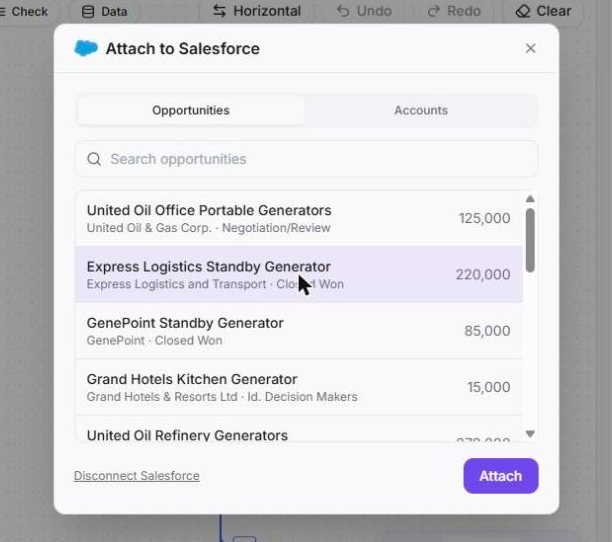
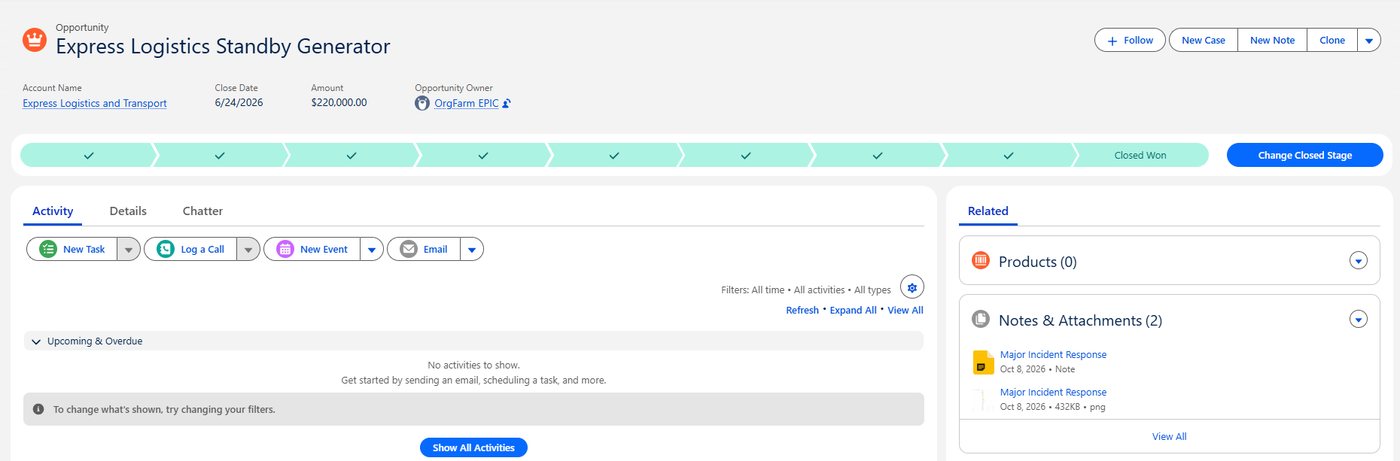
Pick an Opportunity or an Account. Wavelength adds the diagram to the record as a file. It also adds a note with the summary, the questions to confirm, and a link to the live flow.
See it in action
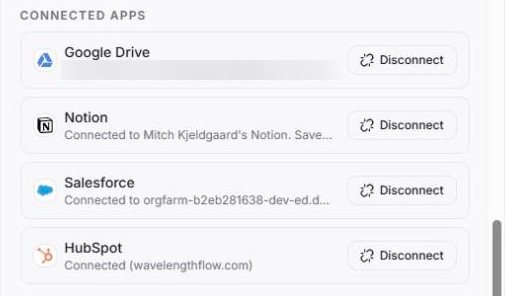
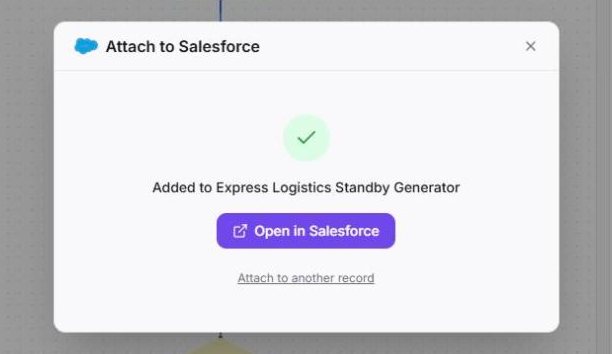
These screenshots come from a real Wavelength account and a Salesforce Developer Edition org with sample data.
What you can do
- Search your Opportunities and Accounts by name.
- Attach the diagram to the record as a PNG file.
- Add a note with the summary, the questions to confirm, and a link to the live flow.
- Connect a sandbox org: tick "My org is a sandbox" before you connect.
- Disconnect at any time in Settings, then Connected apps.
How to connect
- In Wavelength, open Settings, then Connected apps, and click Connect next to Salesforce. You can also start from Export, then Attach to Salesforce.
- Sign in to Salesforce and click Allow.
- Open a flow, click Export, then Attach to Salesforce.
- Pick an Opportunity or an Account and click Attach.
Access and privacy
Wavelength asks for API access and a refresh token, so the connection stays on. It uses them to search the records you look for and to add the file and the note you attach. It stores the tokens encrypted. Disconnect in Settings, then Connected apps. You can also revoke access in your Salesforce personal settings.
Common questions
Does Wavelength work with Salesforce?
Yes. Wavelength attaches a flow to a Salesforce Opportunity or Account: the diagram as a file, and a note with the summary, the questions to confirm, and a link to the live flow.
Which Salesforce records can I attach to?
Opportunities and Accounts.
Does my Salesforce edition work?
Your org must allow API access. If it does not, Wavelength shows a message that tells you to ask your Salesforce admin.
Does it work with a sandbox?
Yes. Tick "My org is a sandbox" in the attach dialog before you connect.
Which plans include Salesforce?
Every plan, including Free.
 HubSpot
 Notion
 Google Drive
 Slack
Slack