
Integration · AI and agents
 Wavelength
 Glean
Glean integration
Search Glean from the canvas. Wavelength adds what it finds to your flow as source context.
Every plan, including Free. The free plan needs no card.
 ▶ Watch the demo
What you can do
Start from the policy, not a blank page
Search Glean for the SOP or policy. Wavelength builds the first draft of the flow from it.
Check a flow against the docs
Pull the official procedure into the open flow. The AI adds steps that the call left out.
Use the words your company uses
Glean results become transcript context, so step names match your internal terms.
See it in action
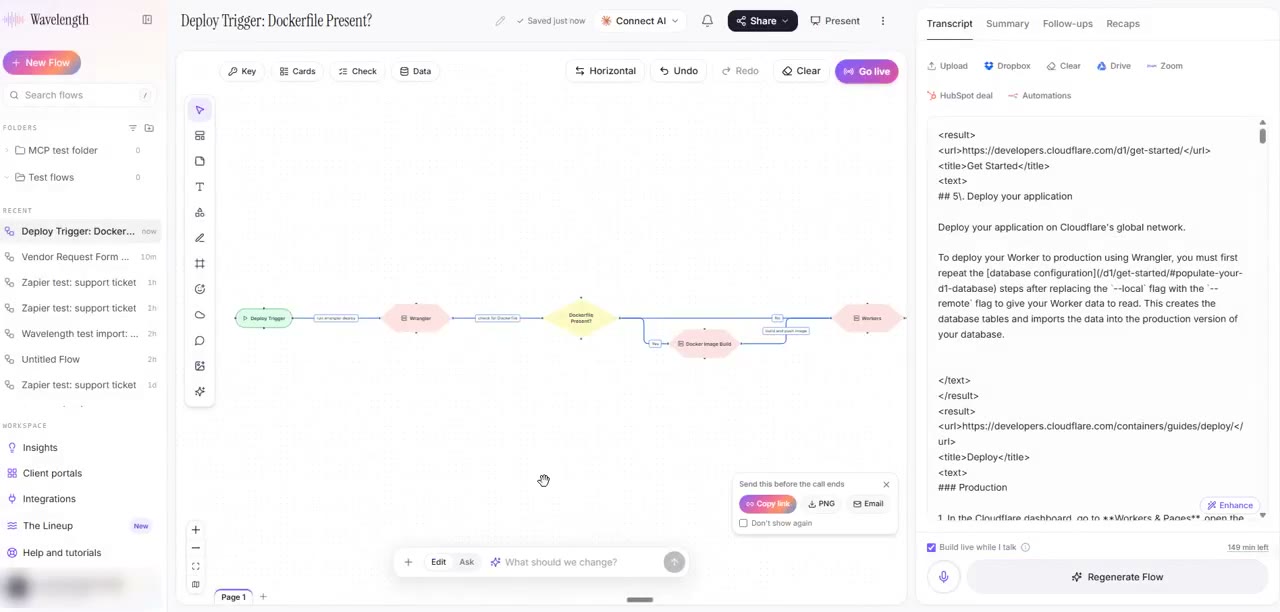
Watch a short demo of the Connect your apps panel. Glean, Granola, and Custom MCP all work this way.
This demo connects a public MCP server (Cloudflare docs) through Custom MCP. With Glean, you enter your Glean MCP URL and search your company knowledge in the same steps.
How it works
- In a flow, click the + button in the prompt box, then Connect your apps.
- Pick Glean. Enter your Glean MCP server URL, for example https://your-company-be.glean.com/mcp/default. Sign in with OAuth, or paste a Glean API token.
- Type a search, for example "vendor onboarding policy", and click Get context.
- Read and edit the results. Then click Build a flow from this, or Add to this flow.
Worked example
An operations lead needs the expense approval process before an audit:
"Search Glean for the expense reimbursement policy."
What lands in Wavelength
- The top Glean results, with titles and links, as editable context text.
- A flow with submit, manager approval, finance review, and payment steps.
- The approval limits from the policy as decision labels.
- The Glean results saved as the transcript of the flow.
Who uses this
- Operations and SOP writers: Map the documented procedure, then compare it with how work really happens.
- Technical project managers: Ground a project kickoff map in the specs that already exist.
Security and permissions
Wavelength connects to your own Glean MCP server. Glean applies the permissions of the signed-in user, so Wavelength sees only what that user can see. Wavelength uses only read tools, such as search.
The Glean token is stored encrypted on the Wavelength server and never goes to the browser. Remove the connection in the Connectors panel or in Settings, then Connected apps.
Your Glean admin must turn on the MCP server. Organization admins can block Glean in Wavelength under Admin, then Integrations.
Read the Trust Center and the subprocessor list for how Wavelength handles your data.
Common questions
Does Wavelength integrate with Glean?
Yes. Connect your Glean MCP server, search company knowledge, and add the results to a flow as context.
What URL do I enter?
Your Glean MCP server URL. Your Glean admin can find it in the Glean admin console under MCP. It ends in glean.com.
Can Wavelength see documents I cannot see?
No. Glean returns only results that the signed-in user has permission to see.
Which Wavelength plans include Glean?
Every plan, including Free.
 Granola
 Notion
 Confluence