
Integration · Documents and slides
 Wavelength
 Notion
Wavelength for Notion
Put the process map in the Notion page where your team keeps its notes, specs, and SOPs.
Every plan, including Free. The free plan needs no card.
What it does
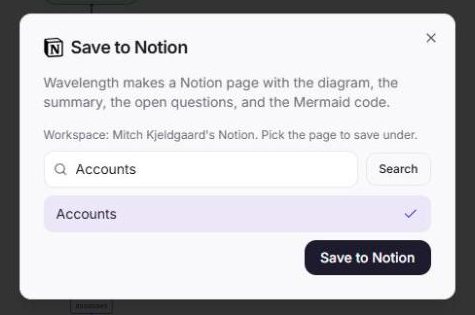
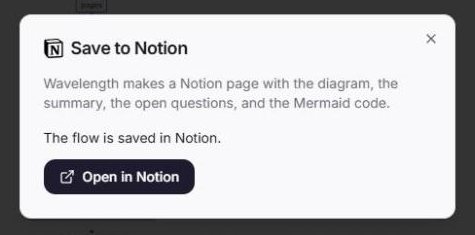
Teams that document in Notion want the process in the same place as the rest of the notes. Wavelength saves a flow as a new Notion page under a page you pick.
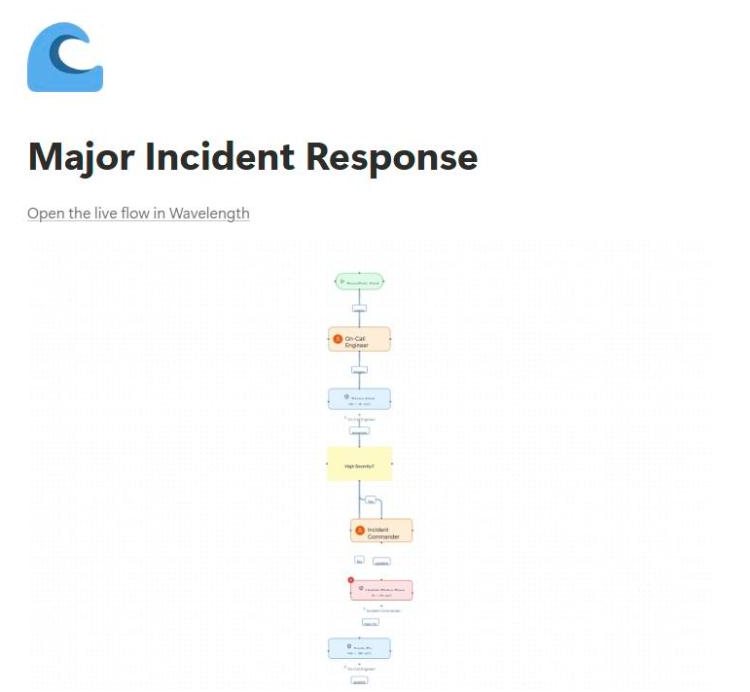
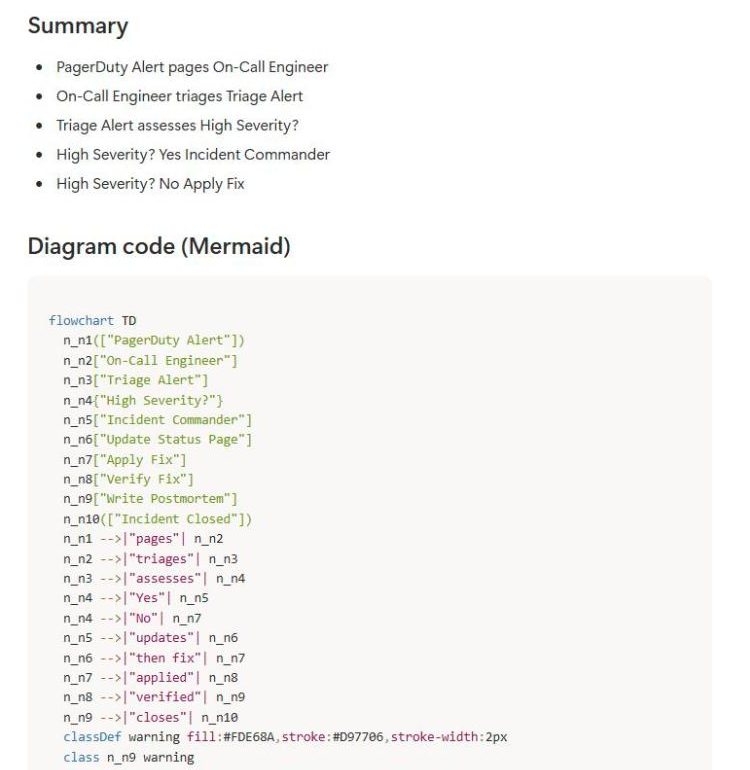
The page has the diagram as an image, a step by step summary, the questions that are still open, a link to the live flow, and the Mermaid code. Notion shows a Mermaid code block as a diagram, so the page keeps a diagram you can edit as text.
See it in action
These screenshots come from a real Wavelength account and a Notion workspace.
What you can do
- Save any flow as a Notion page from Export, then Save to Notion.
- Pick the parent page from the pages you shared with Wavelength.
- Get the diagram image, the summary, open questions, and a link to the live flow on the page.
- Keep the Mermaid code on the page. Notion shows it as a diagram.
How to connect
- In Wavelength, open Export and pick Save to Notion. You can also connect from Settings, then Connected apps.
- On the Notion screen, pick the pages where Wavelength can add flows, then click Allow access.
- Pick the parent page in Wavelength and click Save to Notion.
Access and privacy
Wavelength can see and edit only the Notion pages you pick on the Notion screen. It stores the Notion access token encrypted. Disconnect in Settings, then Connected apps, or remove Wavelength in Notion under Settings, then Connections.
Common questions
Does Wavelength integrate with Notion?
Yes. Wavelength saves a flow as a Notion page with the diagram image, the summary, the open questions, a link to the live flow, and Mermaid code.
Can Wavelength read my whole Notion workspace?
No. Wavelength can open only the pages you pick on the Notion screen when you connect.
Does the diagram stay editable in Notion?
The page includes the Mermaid code, which Notion shows as a diagram. You can edit the code in Notion. For full editing, open the live flow in Wavelength.
Which plans include Notion?
Every plan, including Free.
 Google Drive
 Slack
Slack Zapier
 Webhooks