
Integration · Design tools
 Wavelength
 Canva
Canva integration
Turn a process map into a branded slide or one-pager. Send any flow to Canva as an editable design.
Every plan, including Free. The free plan needs no card.
 ▶ Watch the demo
What you can do
- Send a flow to Canva as an editable design with one click.
- Canva opens the new design. Change colors, fonts, and layout with your Canva brand kit.
- Use the design in a presentation, a one-pager, or a social post.
See it in action
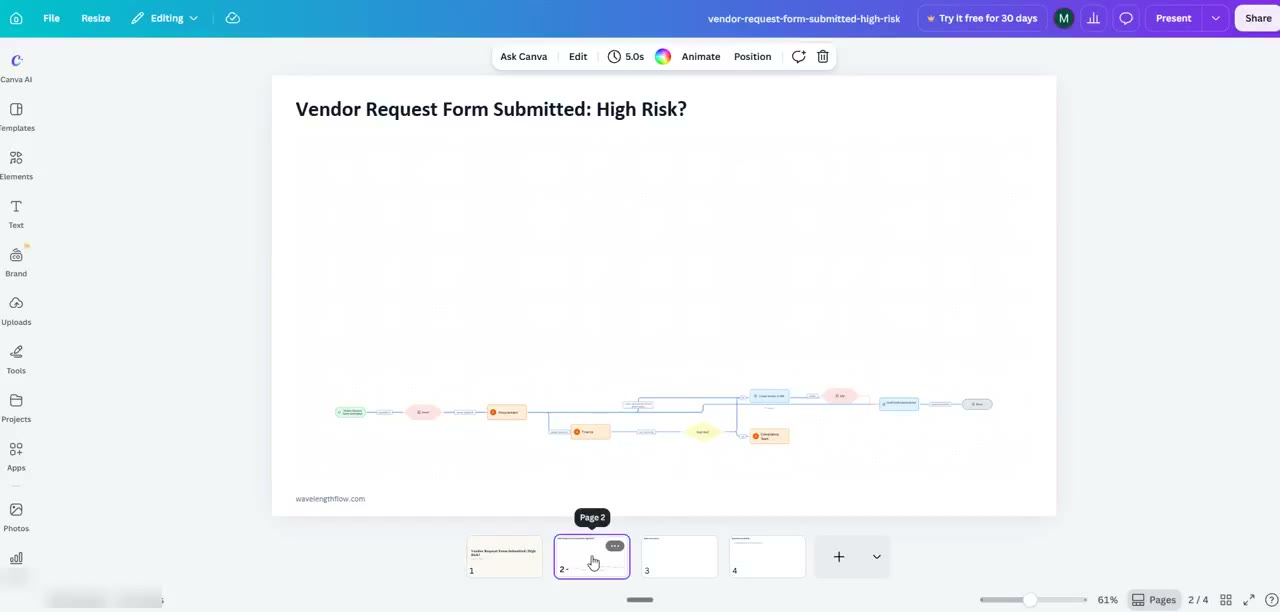
Watch a short demo: a flow goes from Wavelength to a new Canva design.
This demo uses a real Wavelength account, a real Canva account, and a flow made from a fictional transcript.
How it works
- Open a flow in Wavelength.
- Open Share, then More formats, then pick Canva (editable design).
- The first time, sign in to Canva and allow Wavelength to create designs.
- Wavelength sends the flow, and Canva opens the new design.
Who uses this
Marketing and sales teams use it to turn a process from a customer call into a clean slide or one-pager. Consultants use it to brand a process map for a client deliverable.
Security and permissions
Wavelength uses Canva's sign-in (OAuth) and asks only for the permission to create designs. Wavelength stores the Canva connection encrypted and deletes it when you disconnect. Organization admins can turn Canva off in the admin console, under Integrations.
Common questions
Does Wavelength work with Canva?
Yes. In Share, then More formats, pick Canva. Wavelength sends the flow to your Canva account as an editable design and opens it.
What does Wavelength see in my Canva account?
Wavelength asks only to create designs and to read the design it made. It does not read your other designs.
Can I disconnect?
Yes. Disconnect in Wavelength, or remove Wavelength in your Canva settings.
Which plans include it?
Every Wavelength plan, including Free. It works with free and paid Canva accounts.