
Integration · Documents and slides
 Wavelength
 PowerPoint and Google Slides
PowerPoint and Google Slides export
Put the process map in your next deck without a screenshot.
Every plan, including Free. The free plan needs no card.
What you can do
Build the readout deck
Export the flow after the workshop. The deck already has the diagram and the open questions.
Review owners with the client
The steps and owners table shows who does what, with status and time.
Work in Google Slides
Connect Google Drive and save the deck as Google Slides for shared comments.
See it in action
These screenshots come from a real Wavelength account and PowerPoint.
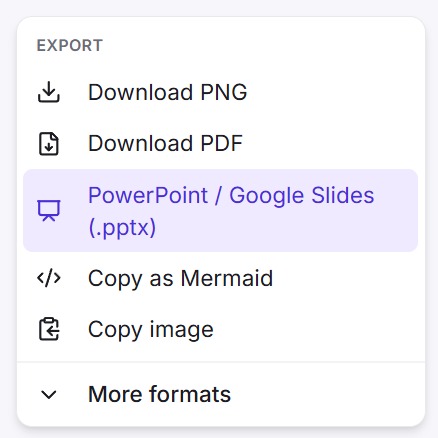
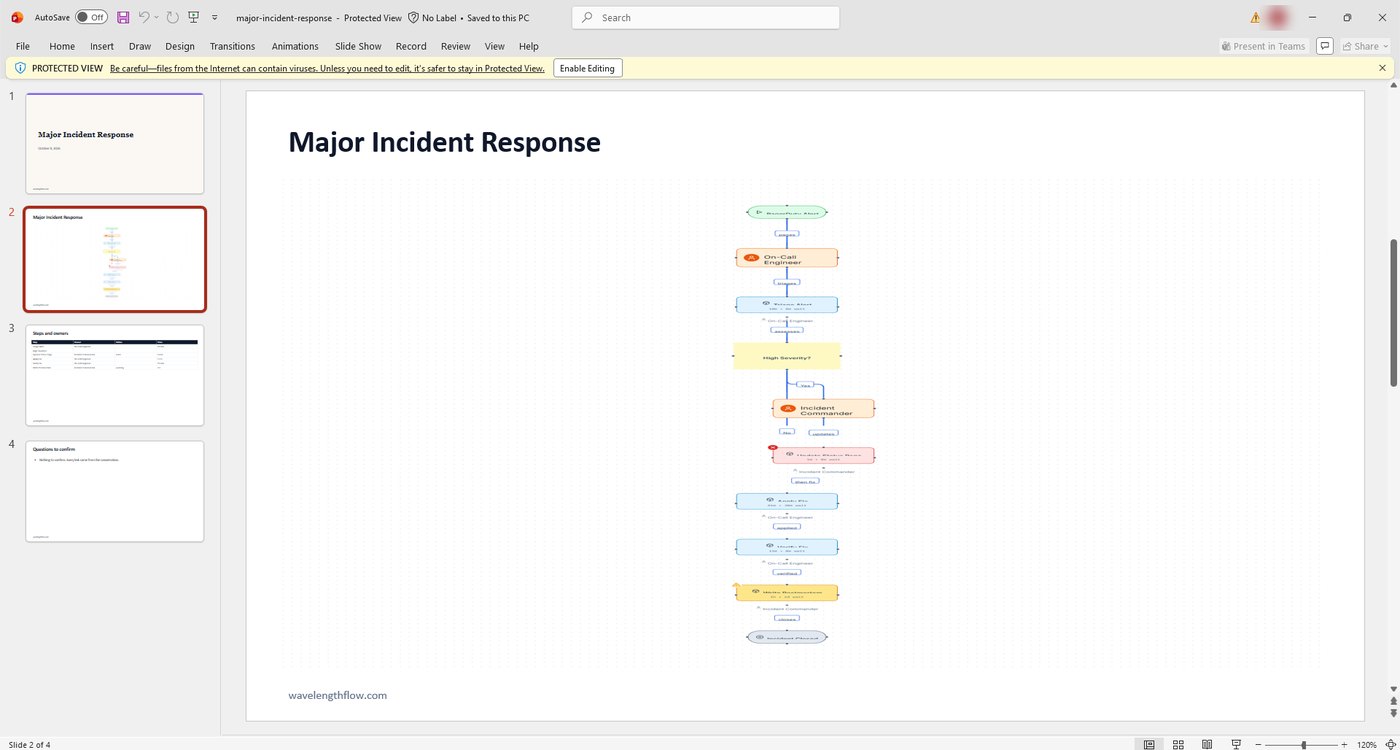
How it works
- Open the flow and click Share.
- Pick PowerPoint / Google Slides (.pptx) to download the file.
- Or, under Save to Google Drive, pick Google Slides or PowerPoint (.pptx).
Worked example
A consultant maps a month-end close in a client workshop:
"Accounting closes subledgers by day three. FP and A reviews variances. The controller signs off on day five."
What lands in the deck
- A title slide with "Month-end close" and the date.
- A diagram slide for each page and each frame on the canvas.
- A steps and owners table with step, owner, status, and time.
- A questions to confirm slide, such as "Does Controller send data to ERP?"
What is in the deck
- A title slide with the flow name and the date.
- One diagram slide for each page of the flow, and one for each frame you drew on the canvas.
- A steps and owners table with the step, the owner, the status, and the time. Start, end, and actor nodes are left out. Each slide holds up to 12 rows.
- A questions to confirm slide with up to 14 questions. If nothing needs a check, the slide says so.
The slides are 16:9. Each slide has the wavelengthflow.com footer.
Who uses this
- Consultants: Turn the workshop map into the readout deck in one click.
- Sales engineers: Drop the customer's current process into the proposal deck.
Security and permissions
The .pptx file is built in your browser and makes no AI call.
Google Slides saves use the drive.file scope, so Wavelength sees only the files it creates.
Read the Trust Center and the subprocessor list for how Wavelength handles your data.
Common questions
Can I export a flow to PowerPoint?
Yes. Export the flow as a .pptx file.
Can I save a flow as Google Slides?
Yes. Connect Google Drive, then pick Google Slides under Save to Google Drive.
Can I edit the diagram in PowerPoint?
The diagram is an image on the slide. Edit the flow in Wavelength and export again.
Which plans include PowerPoint export?
Every plan, including Free.
 Google Drive
 Excel and Google Sheets