
Integration · Process and automation
 Wavelength
BPMN 2.0 export
Turn a process you talked through into a BPMN 2.0 model that opens with its layout intact.
Every plan, including Free. The free plan needs no card.
What you can do
Hand the model to the automation team
Map the process with the business, then give engineers a .bpmn file to build from.
Get swimlanes without drawing them
Set an owner on each step. With two or more owners, the file has one lane per owner.
Check lanes before export
Use the Lanes layout in Wavelength to see the swimlanes first.
See it in action
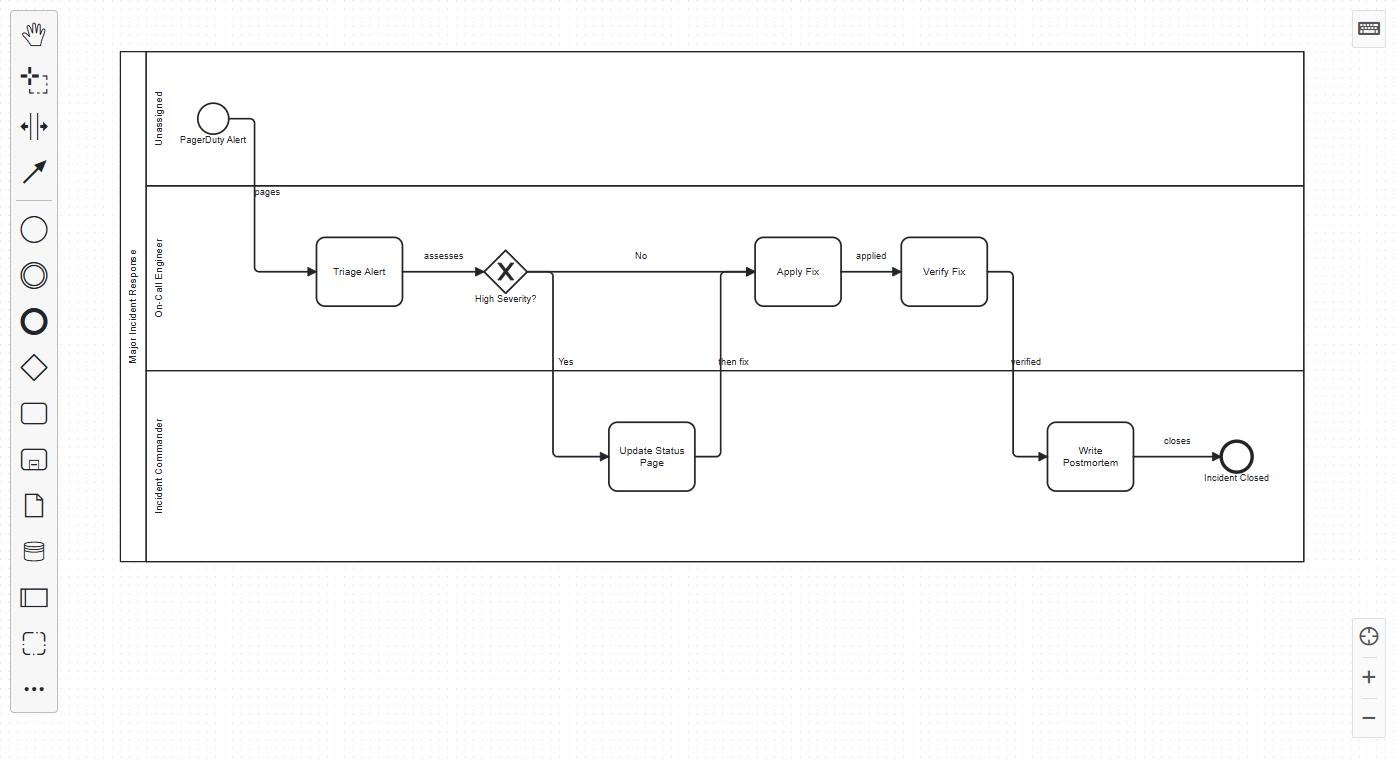
These screenshots come from a real Wavelength account and bpmn.io.
How it works
- Open the flow and set an owner on each step.
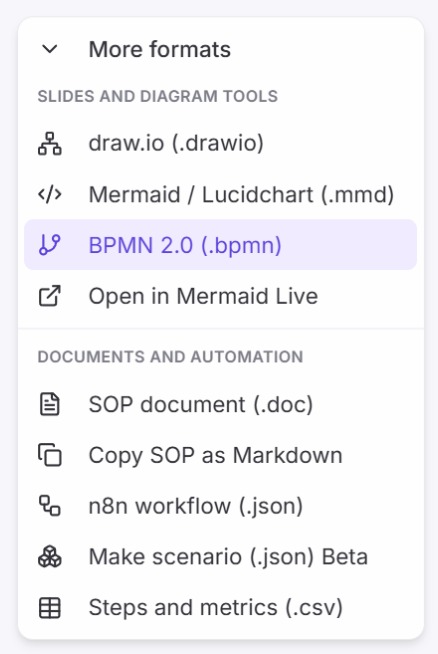
- Open Export and pick BPMN 2.0 (.bpmn).
- Open the file in Camunda Modeler, bpmn.io, or another BPMN 2.0 tool.
Worked example
An HR operations lead describes leave requests:
"The employee submits the request in Workday. The manager approves or rejects it. HR records approved leave in payroll."
What lands in the .bpmn file
- Three lanes: Employee, Manager, and HR.
- A task for each step, and a service task for Workday as a system.
- An exclusive gateway for "Approved?" with named sequence flows.
- Diagram layout, so the model reads left to right on open.
How each element maps
| In Wavelength | In the .bpmn file |
|---|---|
| Start | Start event |
| End | End event |
| Step | Task |
| Decision | Exclusive gateway |
| System | Service task |
| Screen | User task |
| Actor or owner | Lane, when the flow has two or more owners |
| Link and its label | Sequence flow with a name |
The file also holds the diagram layout. The process reads left to right, and each lane is a horizontal band. Camunda Modeler and bpmn.io show the model without a manual layout step.
Who uses this
- Automation builders: Start an automation build from a BPMN model the business already agreed to.
- Consultants: Produce a standard model from a workshop without a modeling tool license.
Security and permissions
The .bpmn file is built in your browser and makes no AI call. Wavelength does not connect to your Camunda or other BPMN tool.
Read the Trust Center and the subprocessor list for how Wavelength handles your data.
Common questions
Does Wavelength export BPMN?
Yes. Export any flow as a BPMN 2.0 .bpmn file.
Which tools open the file?
Camunda Modeler, bpmn.io, and other tools that read BPMN 2.0 XML.
How are lanes made?
Each step goes into the lane of its owner. A step with no owner goes into the lane of the person or team before it.
Can I import a .bpmn file?
No. Import supports .vsdx, .drawio, .xml, .mmd, and .mermaid files.
Which plans include BPMN export?
Every plan, including Free.
 n8n
n8n Make
Make