
Integration · Documents and slides
 Wavelength
 Google Drive
Google Drive integration
Pull call notes in from Drive, and save the finished flow back to Drive in the format your team opens.
Every plan, including Free. The free plan needs no card.
What you can do
Turn a Meet transcript into a flow
Pick the transcript in the Meet transcripts tab of the Drive picker. Wavelength reads it and builds the flow.
Bring old diagrams forward
Pick a Visio or draw.io file stored in Drive. It opens as a flow you can edit by voice.
File the deliverable where the client looks
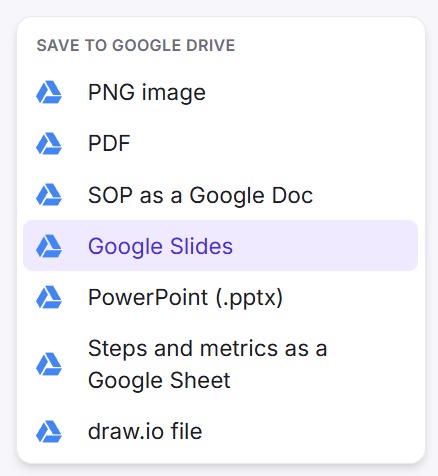
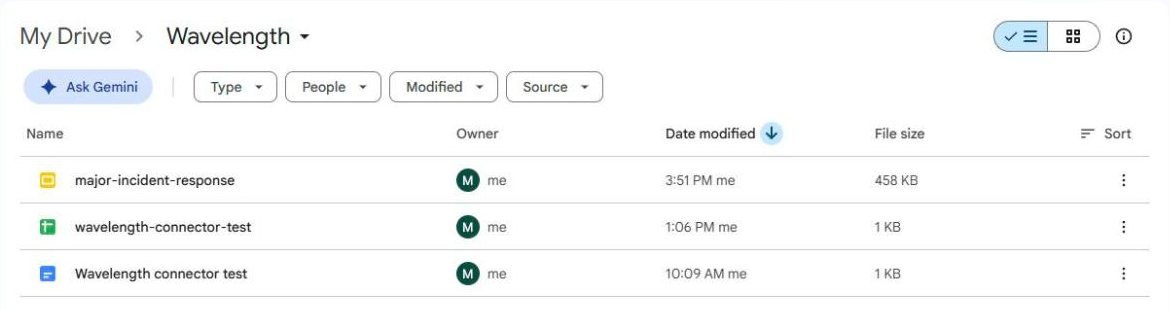
Save the flow as Google Slides, the SOP as a Google Doc, or the steps as a Google Sheet. Files go to a Wavelength folder in your Drive.
See it in action
These screenshots come from a real Wavelength account and a Google Drive.
How it works
- Click Drive above the transcript box, or open Export and pick an option under Save to Google Drive.
- Approve Wavelength on the Google consent screen. Keep the Google Drive box ticked.
- To import, pick a file in the Google picker. Wavelength reads it and builds the flow.
- To save, pick a format. Wavelength writes the file to its folder in your Drive.
Worked example
A customer success lead records a kickoff call in Google Meet. Meet saves the transcript to Drive. The lead imports it, then saves two files:
"After the contract is signed, we send the welcome email, book the kickoff, and set up the SSO test with their IT team."
What lands in Google Drive
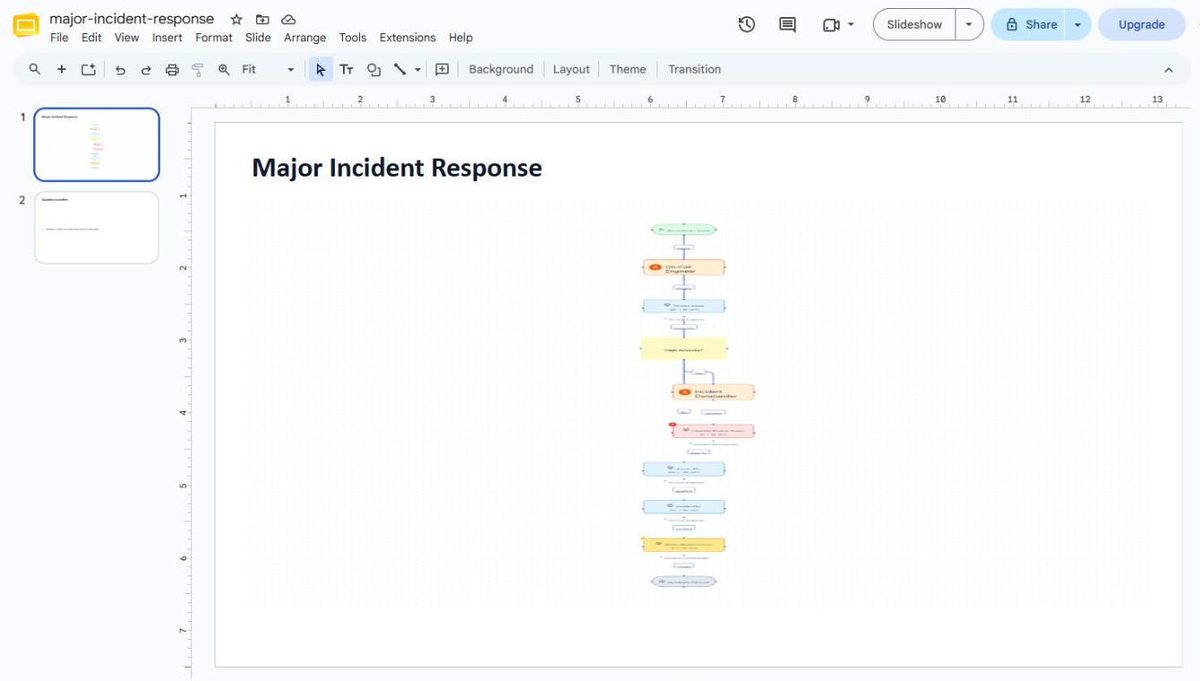
- A Google Slides deck with a title slide, a diagram slide, a steps and owners table, and the questions to confirm.
- A Google Doc with the written SOP: steps, owners, and decisions.
- Both files sit in the Wavelength folder, so the team finds them in one place.
Who uses this
- Customer success and implementation: Import the kickoff transcript and save the onboarding plan as Slides for the customer.
- Consultants: Bring a client's legacy Visio maps in from a shared Drive and send back updated decks.
- Operations and SOP writers: Keep SOPs as Google Docs that the whole team can comment on.
Security and permissions
Wavelength asks Google for the drive.file scope only. It can open a file only after you pick it in the Google picker, and it can see the files it creates. It cannot list or read the rest of your Drive. It also reads your Google account email to show which account is connected.
The refresh token is stored encrypted. Disconnect in Settings, then Connected apps, or remove Wavelength at myaccount.google.com/permissions.
Read the Trust Center and the subprocessor list for how Wavelength handles your data.
Common questions
Does Wavelength integrate with Google Drive?
Yes. Import files from Drive, and save flows back as Google Slides, a Google Sheet, a Google Doc, PNG, PDF, PowerPoint, or draw.io.
Can Wavelength read all my Google Drive files?
No. The drive.file scope lets Wavelength open only the files you pick and the files it creates.
Can I turn a Google Meet transcript into a process map?
Yes. Meet saves transcripts as Google Docs in the organizer's Drive. Pick the transcript in the Meet transcripts tab of the picker.
Can an AI assistant use my Drive connection?
Yes. Through the Wavelength connector, Claude or ChatGPT can import a Drive file as a flow or save a flow to the Wavelength folder.
Which plans include Google Drive?
Every plan, including Free.
 Google Meet
 PowerPoint and Google Slides
 Excel and Google Sheets