
Integration · Documents and slides
 Wavelength
 Notion
Notion integration
Put the process map in the Notion page where your team keeps notes, specs, and SOPs.
Every plan, including Free. The free plan needs no card.
What you can do
File the process with the spec
Save the flow under the project page. The diagram sits next to the requirements it explains.
Keep a diagram you can edit as text
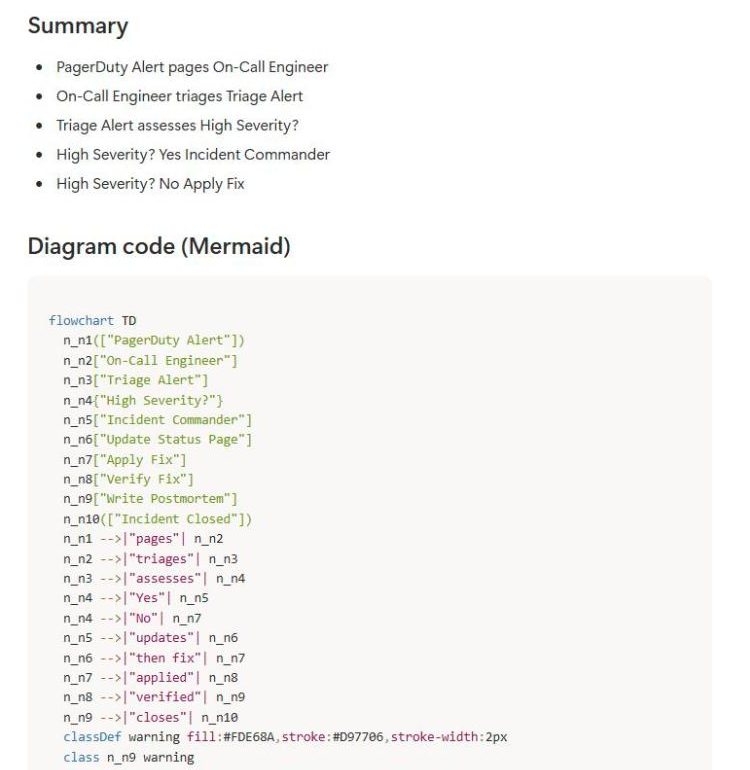
The page includes a Mermaid code block. Notion draws it as a diagram, and you can change the code.
Build an SOP library
Save each mapped process under one parent page. Each page links back to the live flow.
See it in action
These screenshots come from a real Wavelength account and a Notion workspace.
How it works
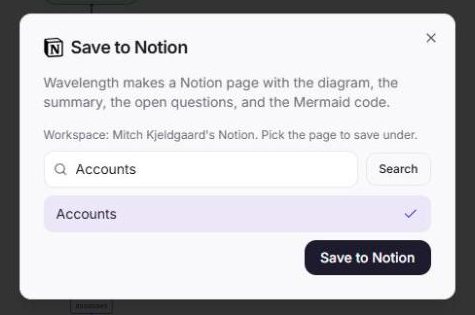
- In Wavelength, open Export and pick Save to Notion. You can also connect from Settings, then Connected apps.
- On the Notion screen, pick the pages Wavelength can use, then click Allow access.
- Pick the parent page. The list shows up to 25 shared pages, most recently edited first.
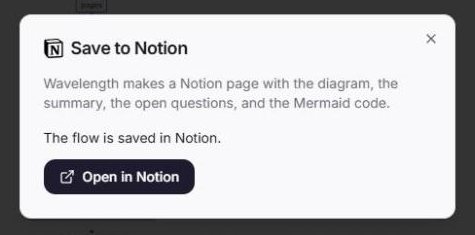
- Click Save to Notion. Wavelength creates the page and gives you its link.
Worked example
A product manager maps vendor onboarding with the finance team:
"A new vendor sends a W-9. Procurement checks it. Then finance creates the vendor in the ERP."
What lands in Notion
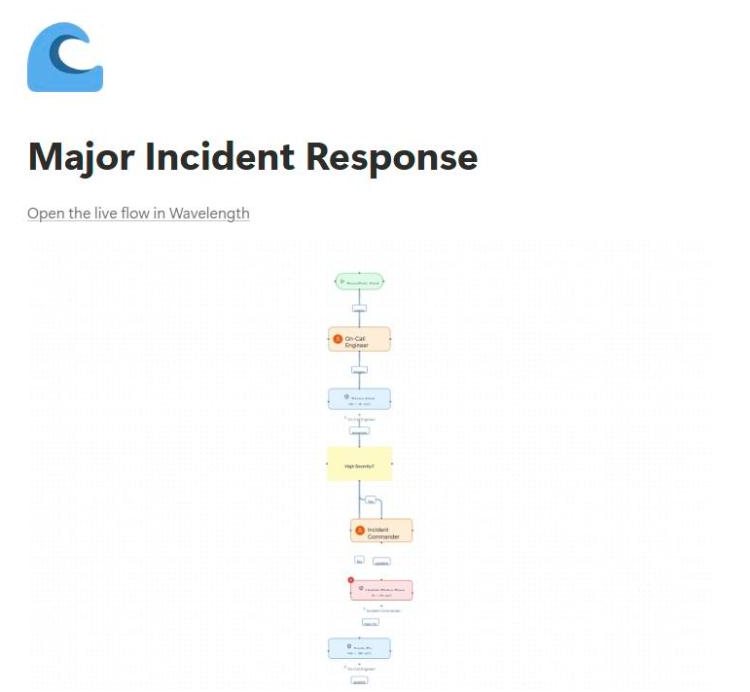
- A child page under the parent you picked, titled "Vendor onboarding", with a wave icon.
- A link "Open the live flow in Wavelength" at the top, then the diagram image.
- A "Summary" heading with bullets, and a "Questions to confirm" heading.
- A "Diagram code (Mermaid)" heading with a Mermaid code block.
- "Made with Wavelength" at the end of the page.
Who uses this
- Operations and SOP writers: Keep every SOP in Notion with a diagram the team can read at a glance.
- Technical project managers: Attach the current process to the project brief before the build starts.
Security and permissions
Notion uses page-level access instead of scopes. Wavelength can see and edit only the pages you pick on the Notion screen. It cannot read the rest of the workspace.
The Notion access token is stored encrypted. Disconnect in Settings, then Connected apps, or remove Wavelength in Notion under Settings, then Connections.
Read the Trust Center and the subprocessor list for how Wavelength handles your data.
Common questions
Does Wavelength integrate with Notion?
Yes. Wavelength saves a flow as a Notion page with the diagram image, the summary, the open questions, a link to the live flow, and Mermaid code.
Can Wavelength read my whole Notion workspace?
No. It can open only the pages you pick on the Notion screen when you connect.
Does the diagram stay editable in Notion?
The page holds the Mermaid code, which Notion draws as a diagram. Edit the code in Notion, or open the live flow in Wavelength for full editing.
Can I save into a Notion database?
No. Wavelength saves a new page under a parent page that you pick.
Which plans include Notion?
Every plan, including Free.
 Confluence
 Mermaid
 Google Drive