
Integration · Documents and slides
 Wavelength
 Confluence
Confluence integration
Put the process you mapped on a call into the Confluence space where your team keeps its documentation.
Every plan, including Free. The free plan needs no card.
What you can do
Publish a process page
Create a page in any space you can edit, with the diagram and the summary.
Grow an existing runbook
Search a page by title and add the flow to the end, under a heading with the flow name.
Document in your personal space first
Save a draft page to your personal space, then move it when the team agrees.
See it in action
These screenshots come from a real Wavelength account and a Confluence Cloud site.
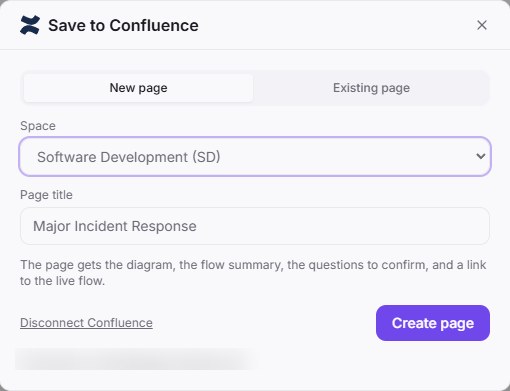
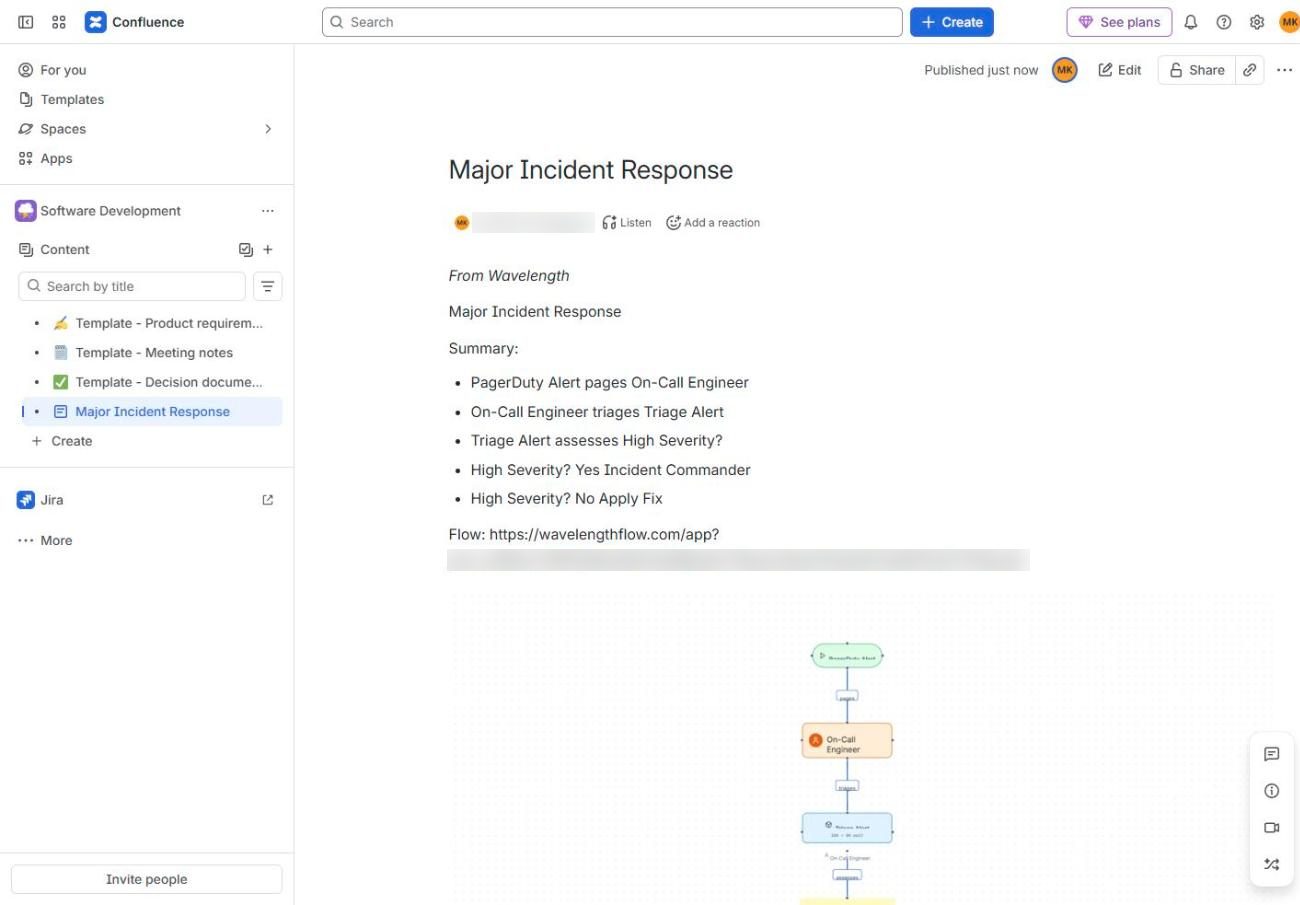
How it works
- In Wavelength, open Settings, then Connected apps, and click Connect next to Confluence. You can also start from Export, then Save to Confluence.
- Sign in to Atlassian, pick your site, and click Accept.
- Open a flow, click Export, then Save to Confluence.
- Pick a space and a title, then click Create page.
Worked example
An IT manager maps password resets:
"Users call the service desk. The agent verifies identity with two questions, then resets the password in Entra ID."
What lands in Confluence
- A page titled with the flow name. If that title exists, Wavelength adds the date and time.
- "From Wavelength", then the summary lines and the questions to confirm.
- The diagram as an attached image, shown on the page.
- On Pro and higher plans, a link that lets teammates open the flow. On Free, the link is left out.
Who uses this
- Operations and SOP writers: Publish each SOP with its diagram in the team space.
- Technical project managers: Add the current process to the project page before kickoff.
Security and permissions
Wavelength asks Atlassian for scopes to read spaces, search, read and write pages, read and write attachments, and offline_access. It uses them to list spaces, find pages, and create or update the pages you save to.
Tokens are stored encrypted. Disconnect in Settings, then Connected apps, or remove the app in your Atlassian account.
Read the Trust Center and the subprocessor list for how Wavelength handles your data.
Common questions
Does Wavelength work with Confluence?
Yes. Wavelength saves a flow as a new Confluence page, or adds it to the end of an existing page.
Which Confluence works with Wavelength?
Confluence Cloud. Confluence Data Center and Confluence Server are not supported.
Which spaces can I save to?
Any space you can create pages in, including your personal space.
Do Jira and Confluence need separate connections?
Yes. Each one has its own Connect step, so you can use one without the other.
Which plans include Confluence?
Every plan, including Free. The link to the flow on the page needs Pro or higher.
 Jira
Jira Notion
 Google Drive