
Integration · Diagram tools
 Wavelength
 Mermaid
Mermaid integration
Keep your process maps as diagram code for docs, READMEs, and wikis.
Every plan, including Free. The free plan needs no card.
What you can do
Put a flow in a README
Copy the Mermaid code and paste it into a Markdown file. GitHub and many docs tools draw it.
Review a flow as text
Diff the Mermaid code in a pull request to see which steps changed.
Turn Mermaid into an editable map
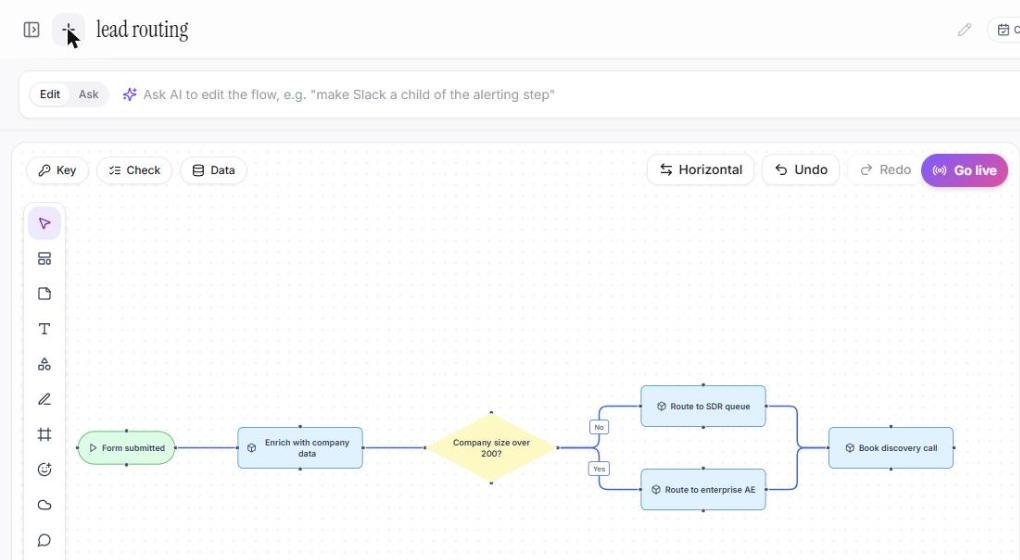
Import a .mmd file and edit the flow by voice, then copy the new code.
See it in action
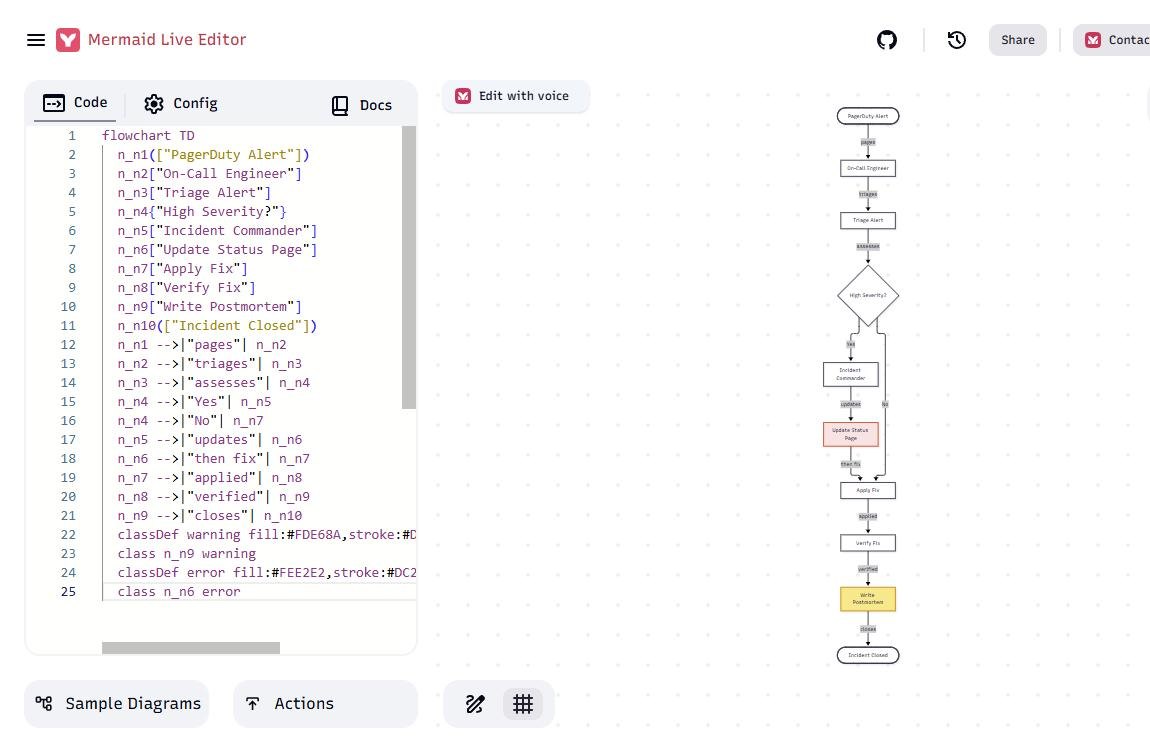
Watch a short demo of the export options. The Mermaid steps follow in the screenshots below.
These screenshots come from a real Wavelength account and Mermaid Live.
How it works
- To copy, open Share and pick Copy as Mermaid.
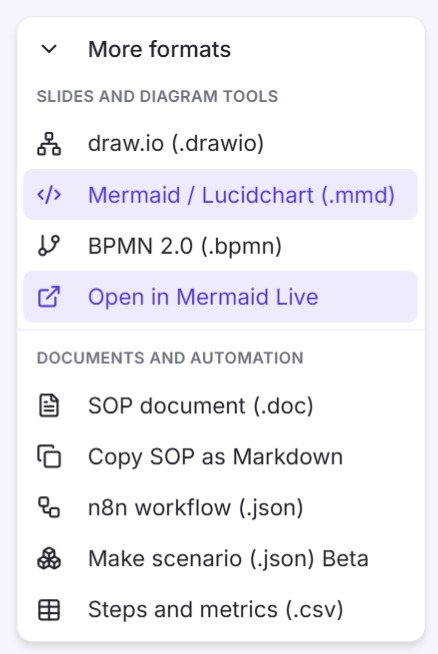
- To open in Mermaid Live, open Share, then More formats, and pick Open in Mermaid Live.
- To import, open the transcript panel, click Upload, and pick the .mmd or .mermaid file.
Worked example
Say this: "A refund request comes in. Support checks the order in the order database. Is it under 30 days? If yes, issue the refund. If no, send it to a manager." Then open Share and pick Copy as Mermaid. You get code like this:
flowchart TD
  n_1(["Refund request received"])
  n_2["Support checks the order"]
  n_3[("Order database")]
  n_4{"Under 30 days?"}
  n_5["Issue the refund"]
  n_6["Send to a manager"]
  n_1 --> n_2
  n_2 --> n_3
  n_2 --> n_4
  n_4 -->|"Yes"| n_5
  n_4 -->|"No"| n_6
Each node type has its own Mermaid shape:
- Start and end become rounded pills.
- A decision becomes a diamond.
- A data store becomes a cylinder.
- A system becomes a box with double sides.
- Steps, actors, and screens become rectangles.
- A link label becomes the edge label, and a reporting line becomes a dotted edge.
- A step marked as a warning or an error gets a matching class color.
Who uses this
- Solution architects: Keep architecture flows as code next to the services they describe.
- Technical project managers: Paste the agreed flow into the spec in a form engineers can edit.
Security and permissions
The copy, the export, and the import run in your browser and make no AI call. Mermaid Live opens in a new tab with the code in the link.
Wavelength does not train AI models on your content.
Read the Trust Center and the subprocessor list for how Wavelength handles your data.
Common questions
Does Wavelength export Mermaid?
Yes. Copy any flow as Mermaid code, or open it in Mermaid Live.
Can I import Mermaid diagrams?
Yes. Upload .mmd or .mermaid flowchart files.
Does Notion get the Mermaid code?
Yes. Save to Notion adds a Mermaid code block that Notion draws as a diagram.
Which plans include Mermaid?
Every plan, including Free.
 Notion
 draw.io (diagrams.net)
 Claude Code