
Integration · Diagram tools
 Wavelength
 draw.io (diagrams.net)
draw.io integration
Move diagrams between Wavelength and draw.io in both directions, with shapes that keep their meaning.
Every plan, including Free. The free plan needs no card.
What you can do
Polish a flow in draw.io
Map the process by voice in Wavelength, then export .drawio for final styling.
Edit a draw.io diagram by voice
Upload a .drawio or .xml file. It becomes a flow you can change by talking.
Store the file in Drive
Save the .drawio file to the Wavelength folder in Google Drive, where draw.io can open it.
See it in action
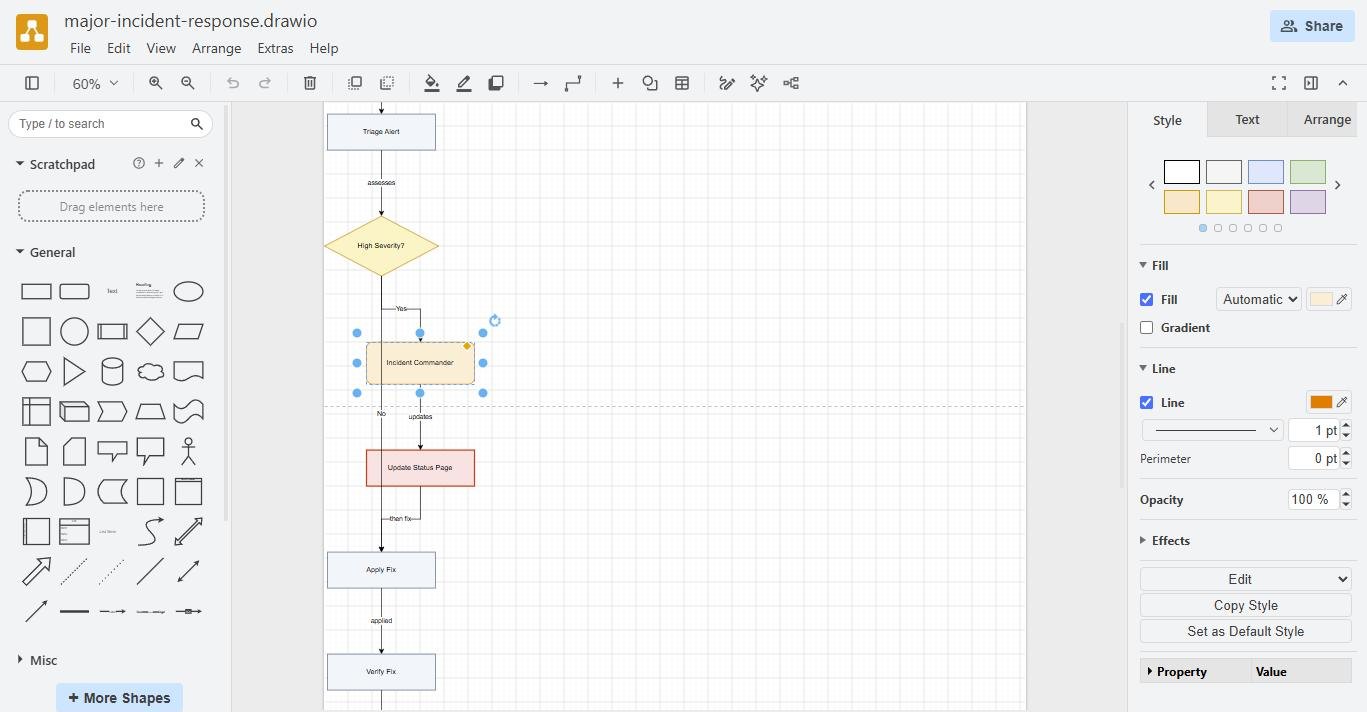
Watch a short demo of the export options. The draw.io steps follow in the screenshots below.
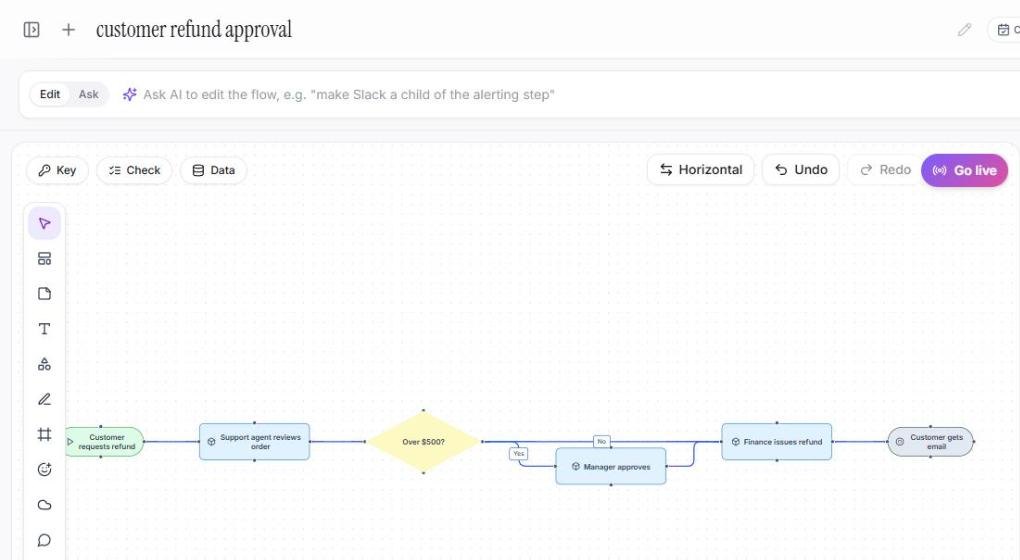
These screenshots come from a real Wavelength account and draw.io.
How it works
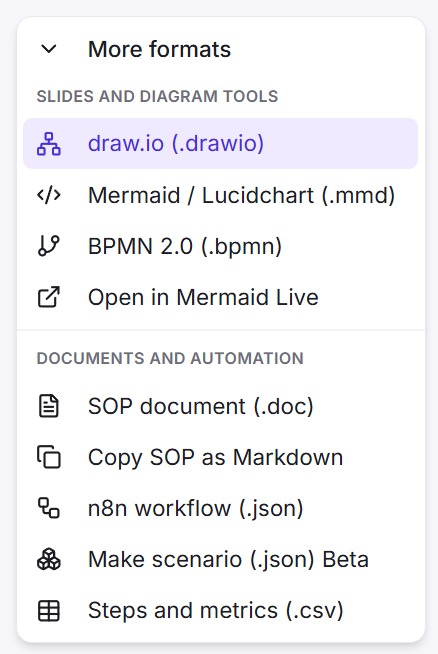
- To export, open Share, then More formats, and pick draw.io (.drawio).
- To save to Drive, connect Google Drive once, then pick draw.io file under Save to Google Drive.
- To import, open the transcript panel, click Upload, and pick the .drawio or .xml file.
- Edit the flow by voice, with a prompt, or by hand.
Worked example
An IT lead maps backup checks by voice:
"The backup job runs at night and writes to S3. The on-call engineer checks the report. Failed jobs open a ticket."
What lands in the .drawio file
- Rounded pills for the start and the end.
- Rectangles for steps, such as "On-call checks report".
- A rhombus for the decision "Job failed?".
- A cylinder for S3 as a data store, and labeled edges between them.
How shapes map in each direction
When you export, each node type gets a draw.io style:
- Start and end become rounded pills.
- A step becomes a rectangle.
- A decision becomes a rhombus.
- A data store becomes a cylinder.
- A system becomes a hexagon.
- Actors and screens become rounded boxes in their own colors.
When you import a .drawio or .xml file, Wavelength reads each cell and its style. A rhombus becomes a decision, a cylinder becomes a data store, and a person shape becomes an actor. Cloud and server shapes become systems. Edges become links, and their labels come with them.
Who uses this
- Solution architects: Start in Wavelength, finish the reference diagram in draw.io.
- Operations and SOP writers: Turn runbook diagrams into flows the team can update by voice.
Security and permissions
The import and the export run in your browser and make no AI call. Wavelength needs no draw.io account.
A save to Google Drive uses the drive.file scope, so Wavelength sees only the files it creates.
Read the Trust Center and the subprocessor list for how Wavelength handles your data.
Common questions
Does Wavelength work with draw.io?
Yes. Export a flow as a .drawio file, and import .drawio and .xml files as editable flows.
Can I save the file to Google Drive?
Yes. Connect Google Drive once, then pick the draw.io file under Save to Google Drive in Share, then More formats.
Can an AI assistant import draw.io XML?
Yes. The Wavelength connector's import_diagram tool takes draw.io XML and saves a flow with no AI call.
Which plans include draw.io?
Every plan, including Free.
 Lucidchart
 Mermaid