
Integration · AI assistants (MCP)
 Wavelength
 Cursor
Cursor integration
Let the Cursor agent turn a code path into a flow diagram that the rest of the team can read.
Every plan, including Free. The free plan needs no card.
What you can do
Map code as a flow
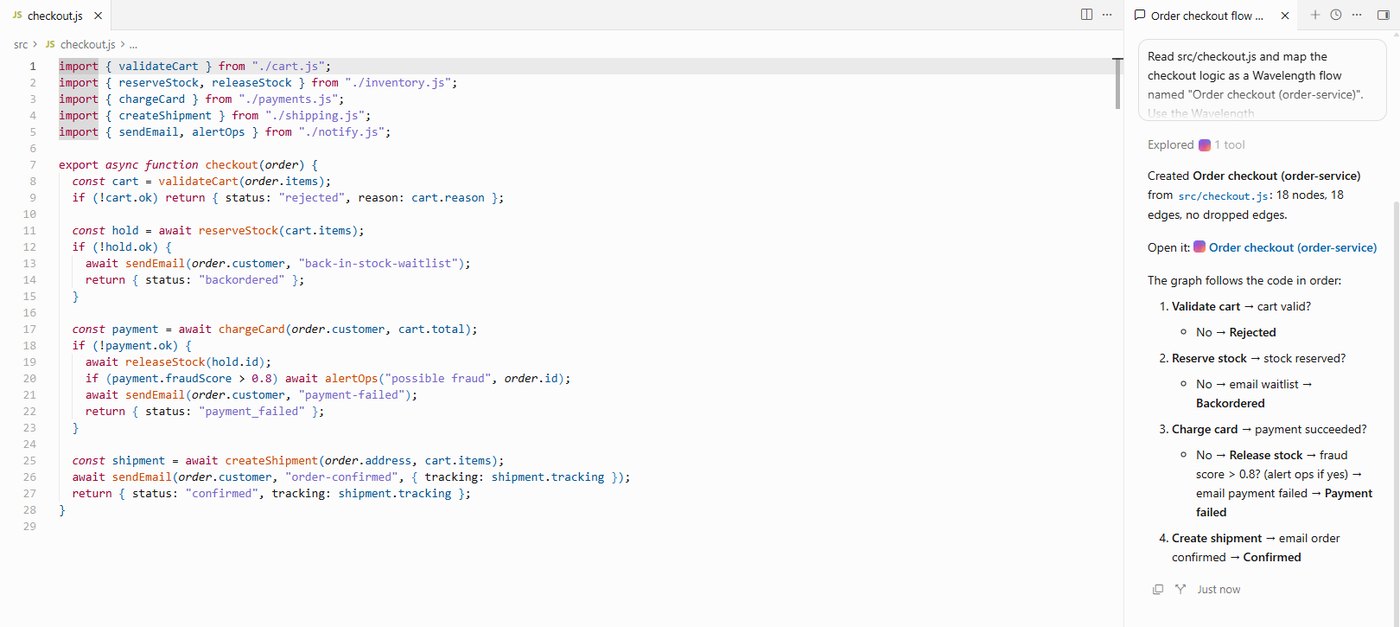
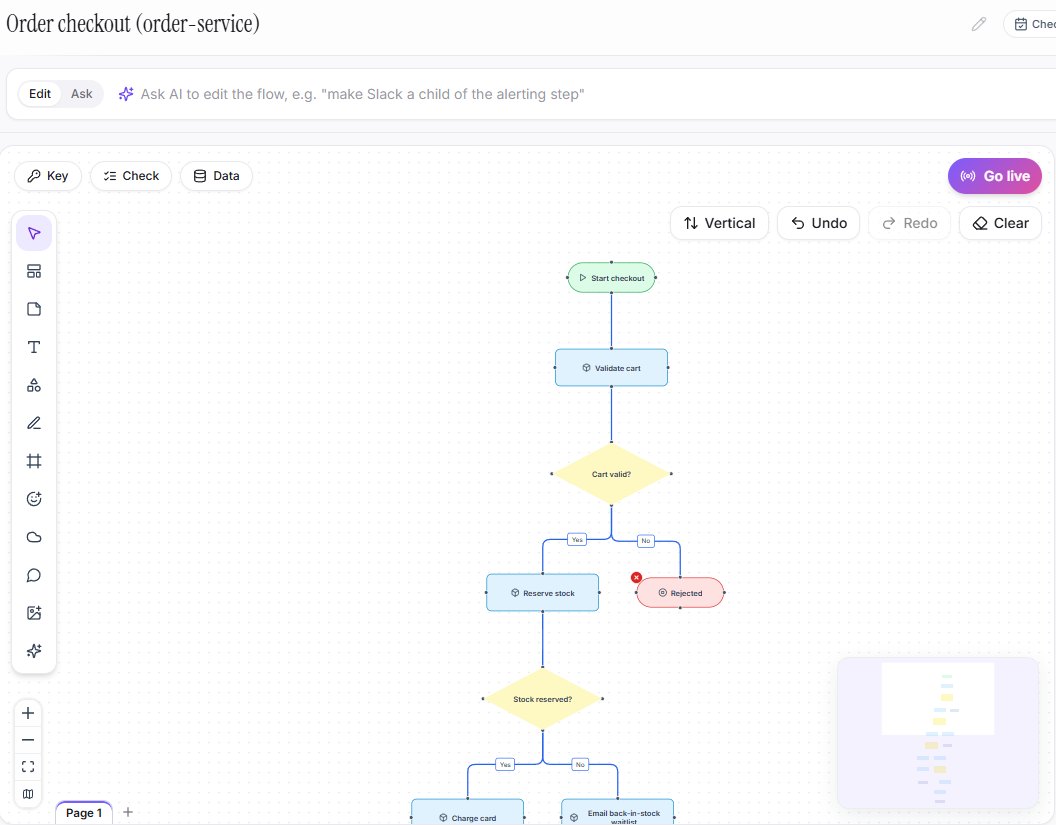
The agent reads a file and saves a flow with steps, decisions, and the systems the code calls.
Keep the flow in step with the code
After a change, ask the agent to update the flow. Exact graph edits run with no AI call, and each edit saves a version.
Check for gaps
A gap check lists dead ends, shapes with no links, and decisions with only one branch.
See it in action
These screenshots come from a real Wavelength account on Windows.
How it works
- Open ~/.cursor/mcp.json for all projects, or .cursor/mcp.json for one project.
- Add this: {"mcpServers": {"wavelength": {"url": "https://wavelengthflow.com/api/mcp"}}}
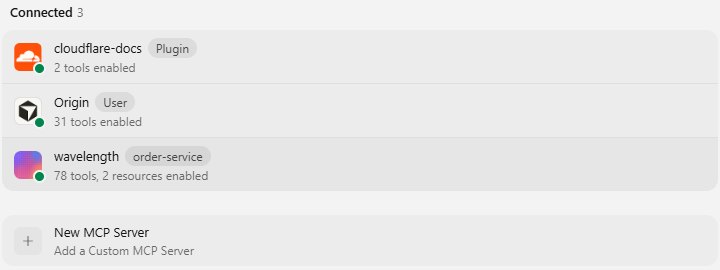
- Open Customize (Cursor Settings links to it), then MCPs. Turn on wavelength and click Authenticate.
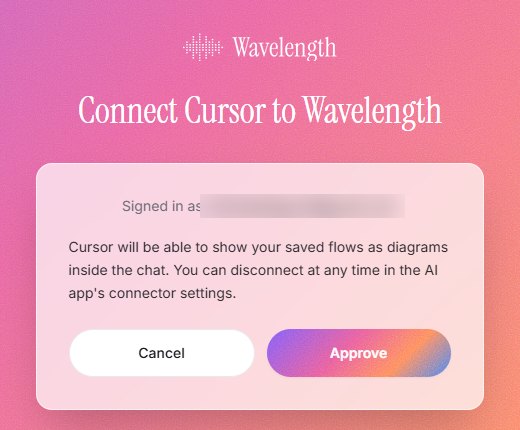
- Sign in with your Wavelength account and approve the connection.
Worked example
In the Cursor agent chat, you type:
"Map the order handler in src/api/orders.ts as a Wavelength flow. One step for each call, one decision for each if."
What lands in Wavelength
- A flow named after the handler, with a step for each call and a decision for each if.
- System nodes for the services the code calls, such as the payment API.
- A link to the flow, which the agent can then check with a gap check or export as Mermaid.
Prompts to try
Type these in the Cursor agent chat. Change the file names to match your project.
- "Map the order handler in src/api/orders.ts as a Wavelength flow. One step for each call, one decision for each if."
- "Run a gap check on that flow and list the questions it finds."
- "Export the flow as Mermaid and add it to docs/orders.md under a Flow heading."
- "I changed the retry logic. Update the flow to match, then compare it with the last version."
- "Share the flow as a read-only link so the support team can open it."
Each prompt uses tools from the Wavelength MCP server. The same server works in Claude Code and VS Code.
Who uses this
- Solution architects: Map a service boundary while you read the code.
- Technical project managers: Ask for a flow of the code path before a planning meeting.
Security and permissions
Cursor signs in to Wavelength with OAuth. You approve the connection once on a Wavelength consent page. After that, each tool acts only as you, and the limits of your plan apply.
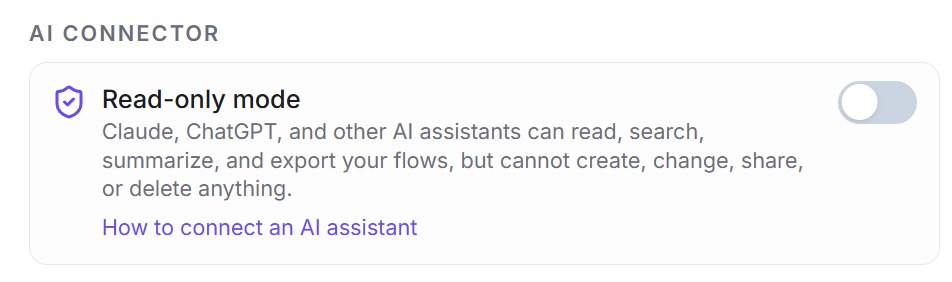
Wavelength does not see your repository. It receives only the text, graph, or diagram source that the agent sends. If the agent should read and export flows but never change them, turn on read-only mode in Settings, then AI connector.
Read the Trust Center and the subprocessor list for how Wavelength handles your data.
Common questions
Does Wavelength work with Cursor?
Yes. Add the Wavelength server to your Cursor MCP config and sign in with your Wavelength account.
Do I need an API key?
No. Sign-in uses OAuth.
Can I import an old diagram?
Yes. The agent can import Mermaid, draw.io XML, or SVG as an editable flow.
Does it cost extra?
No. The connector uses your normal Wavelength plan. A free account works.
 Claude Code
 VS Code (GitHub Copilot)
 Mermaid