
Invoice approval workflow diagram
This is a worked example. Wavelength built the diagram below from the description on this page. Nobody drew it by hand.
What was said
Suppliers email invoices to the accounts payable inbox. Bill.com captures each invoice and reads the amount. If the invoice is under 5000 dollars, the budget owner approves it. If it is 5000 dollars or more, the controller also approves it. Approved invoices sync to NetSuite and are paid on the next payment run.
The diagram
Opens an editable copy you can change by voice or by hand. Free account, no card.
What is in this flow
- Systems: Accounts Payable Inbox, Bill.com and NetSuite.
- People and teams: Suppliers, Budget Owner and Controller.
- Decisions: Invoice Amount Check.
- Size: 8 steps and 8 connections.
Mermaid code
Copy this into any Markdown file, GitHub README, or Mermaid Live to render the same flow.
flowchart TD
  n1("Suppliers")
  n2{{"Accounts Payable Inbox"}}
  n3{{"Bill.com"}}
  n4{"Invoice Amount Check"}
  n5("Budget Owner")
  n6("Controller")
  n7{{"NetSuite"}}
  n8["Payment Run"]
  n1 -->|email invoices| n2
  n2 -->|captures| n3
  n3 -->|reads amount| n4
  n4 -->|< $5000| n5
  n4 -->|≥ $5000| n6
  n5 -->|approves| n7
  n6 -->|approves| n7
  n7 -->|paid on next run| n8
Map your own process
Describe your version out loud, or paste the transcript of a call. Wavelength draws the flow as you talk, and you can edit it by voice, by prompt, or by hand.
Free plan. No card.
Related
- Flow diagram examples: all 37 worked process and data flow diagrams
- Order to cash process: a finance flow example
- Procure to pay process: a procurement flow example
- Employee onboarding: an HR flow example
- Purchase requisition approval: an approval flow example
- Support ticket escalation: a support flow example
- Flowchart template: copy, edit, and make your own
- For business analysts: capture an as-is process in swimlanes
- Live demo: describe a process and see the flow, no account needed
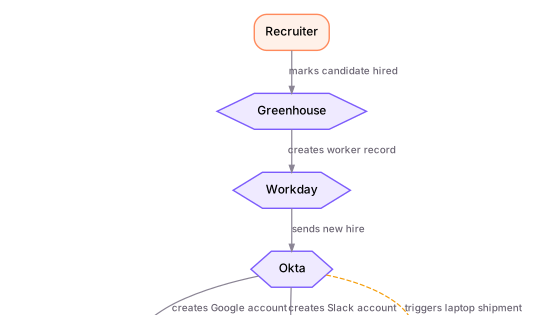 Employee onboarding process
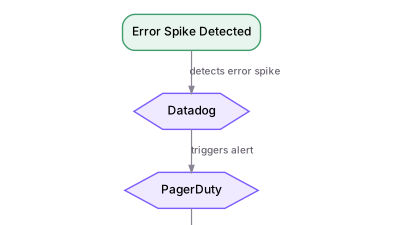 Incident management process
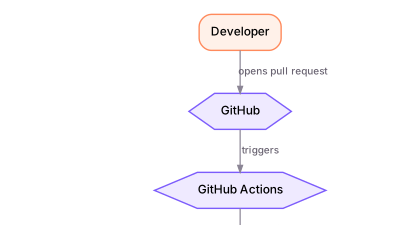 CI/CD deployment pipeline